Important
Read Your Lib requires the .NET Desktop Runtime 6.0 or higher. The installer will prompt you to download it if missing.
Installation Instructions
- 1
Download the installer file (ReadLib_Setup_v2.5.0.exe).
- 2
Double-click the file to launch the setup wizard.
- 3
Accept the license agreement and choose your installation folder.
- 4
Click 'Install' and wait for the process to complete.
- 5
Launch Read Your Lib from your desktop shortcut.
System Requirements
- OSWindows 10 (1809+) or Windows 11
- ProcessorIntel Core i3 / AMD Ryzen 3 (or better)
- RAM4 GB Minimum (8 GB Recommended)
- Disk Space2 GB Available Space
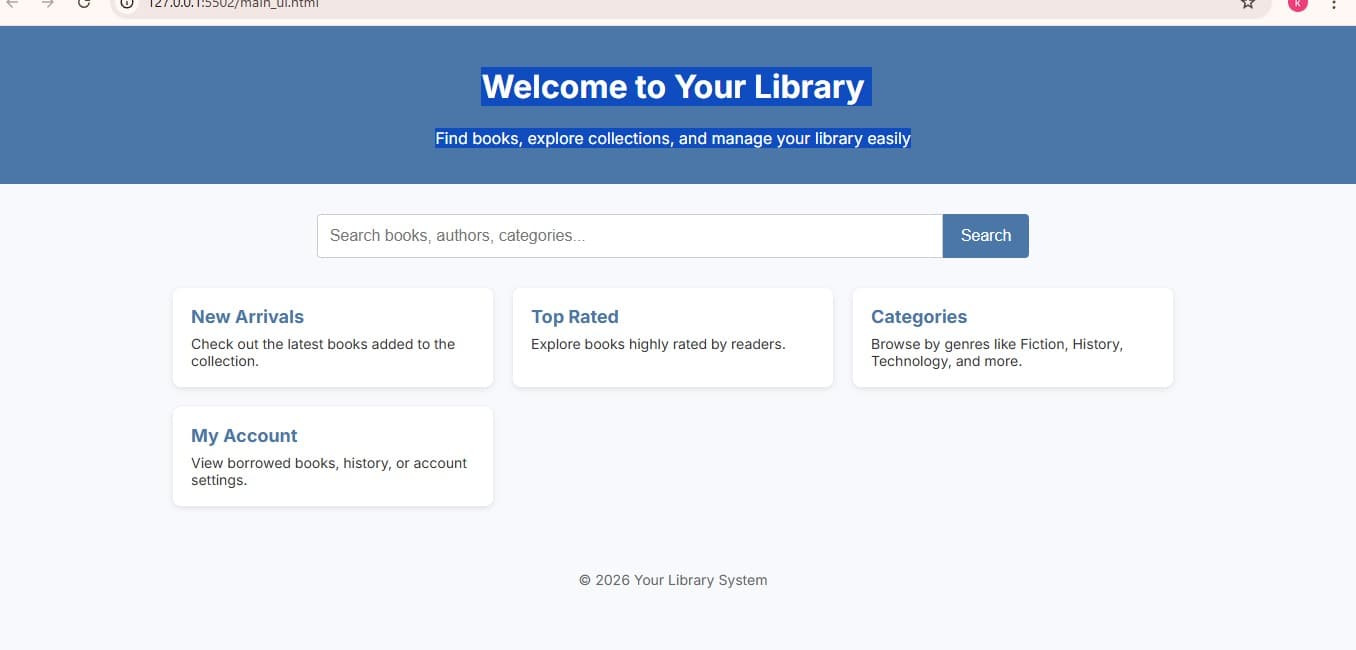
Preview